Featured Post

Elon Musk’s Influence on the 2024 Presidential Election and Its Potential Outcomes

  In the upcoming 2024 U.S. presidential election, the influence of tech moguls like Elon Musk is a point of significant interest. Musk, with his vast following, has demonstrated an ability to sway public opinion through his business decisions, public statements, and presence on social media platforms like X (formerly Twitter). The effect Musk’s actions may have on the election—and candidates such as Donald Trump—is worth examining as he becomes a key player in the larger landscape of digital influence. Elon Musk and Digital Influence in Politics A Shift in Public Influence Musk’s reach extends beyond business; he is now a major influencer in political spheres. By acquiring X, Musk gained direct access to one of the most influential social media platforms in the world, where he regularly engages with a diverse audience. His unpredictable political stances and commentary resonate with millions, and his platform decisions have the potential to shape public opinion. Musk’s Public Poli...

How To Hack Windows Online Account Login Password

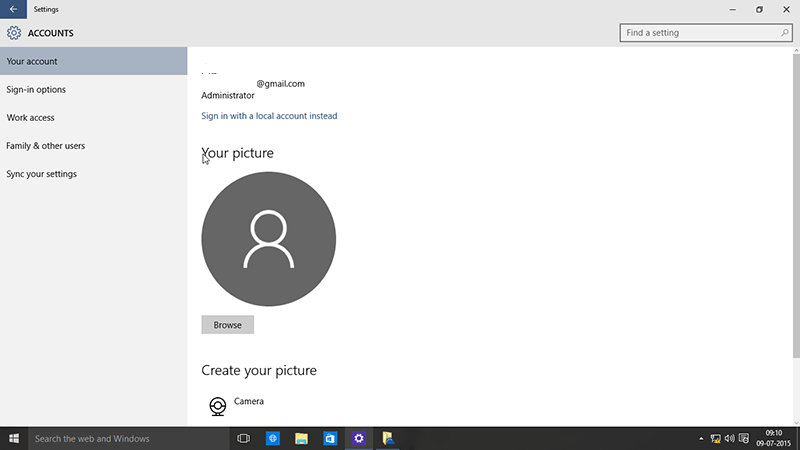
Hacking into Windows 10, Windows 8.1 PC with Microsoft Online Account Login is a trouble. Here is Guide how to hack into a PC protected by Microsoft online Account Login Plus You can Hack into Windows 10, 8.1, 7, XP. And the Bonus Here is you can crack in even on a secure boot UEFI machine. With Windows 10, 8.1 , 8 Microsoft Added a new Login feature to connect to Microsoft Online Account Which cannot be Hacked By Regular SAM Editing Software. This Added to security feature. Check Pic Below for Microsoft Account login on Windows 10, Windows 8.1 .


Normal Password Editing Software which play with S.A.M file could never crack into Microsoft Online Account Login PC.

Follow Step By Step Guide To Hack Windows Machine
  1. Download Kon-Boot from My Google Drive Link 6 — https://goo.gl/DLyBUj
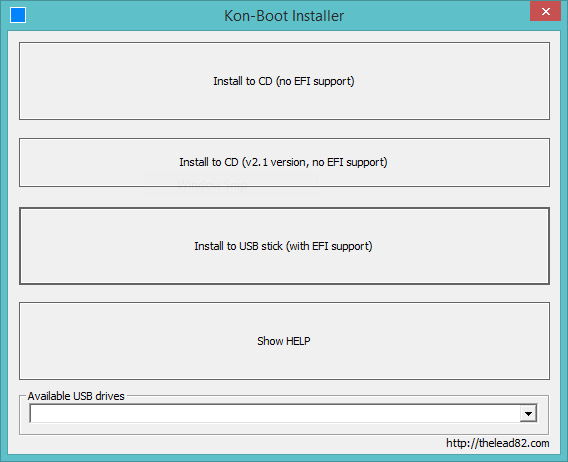
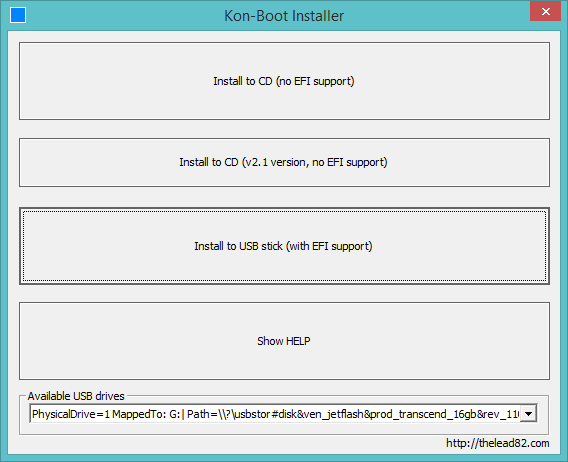
  2. From Existing machine or Friend’s PC Make it Bootable ., Open KoonBootInstaller, Select USB,Click Third Option With UEFI Support.
  3. Boot with your USB-Disk you made bootable just now.
  4. Select Current Version in the boot menu.
  5. Kon-Boot will load and now click on the account you want to login.
  6. Enter Any Password [any means any ], and press Enter
  7. Voila !! You just now Hacked into a PC protected by UEFI Microsoft Account Login.

image

image

Enjoy

Comments